
 Voice Planner
Speak it. AI organizes it.
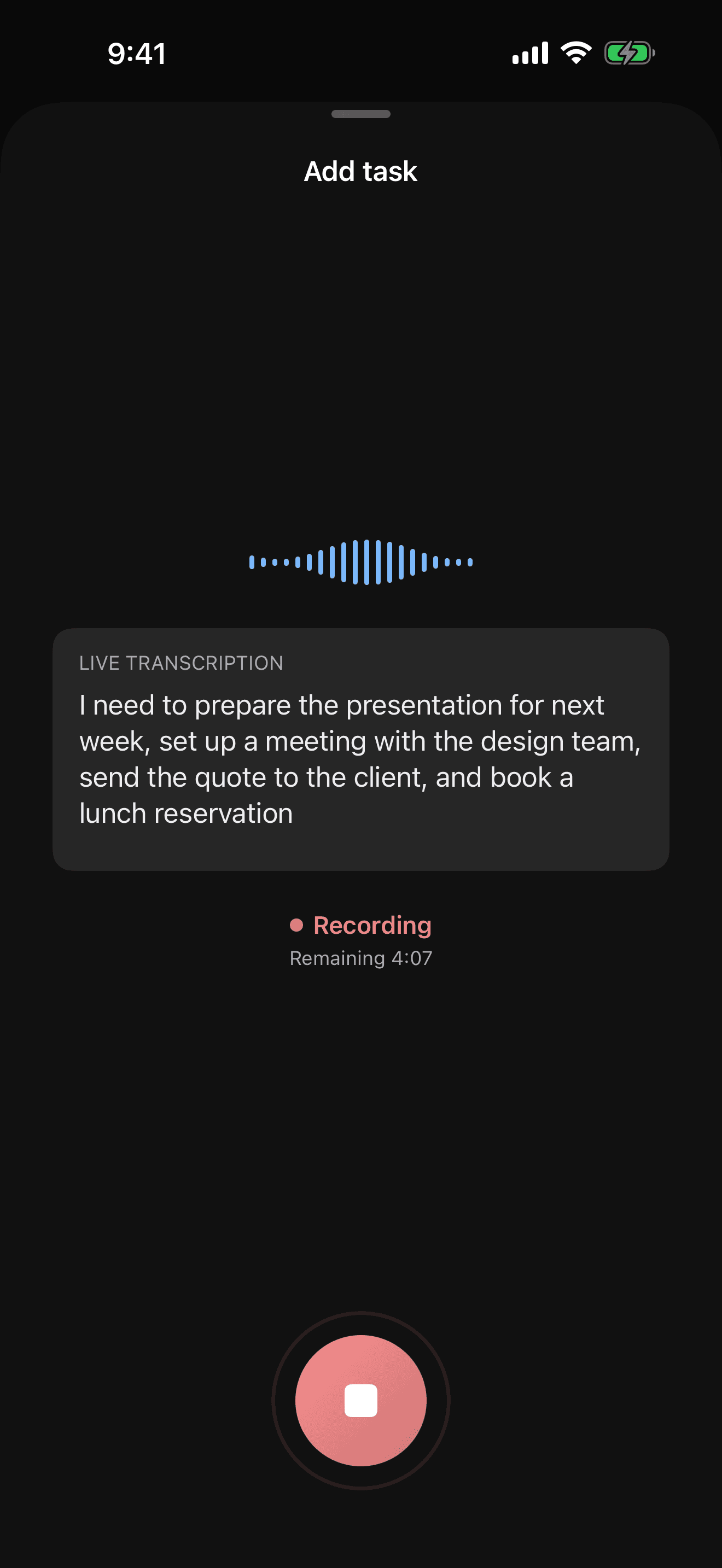
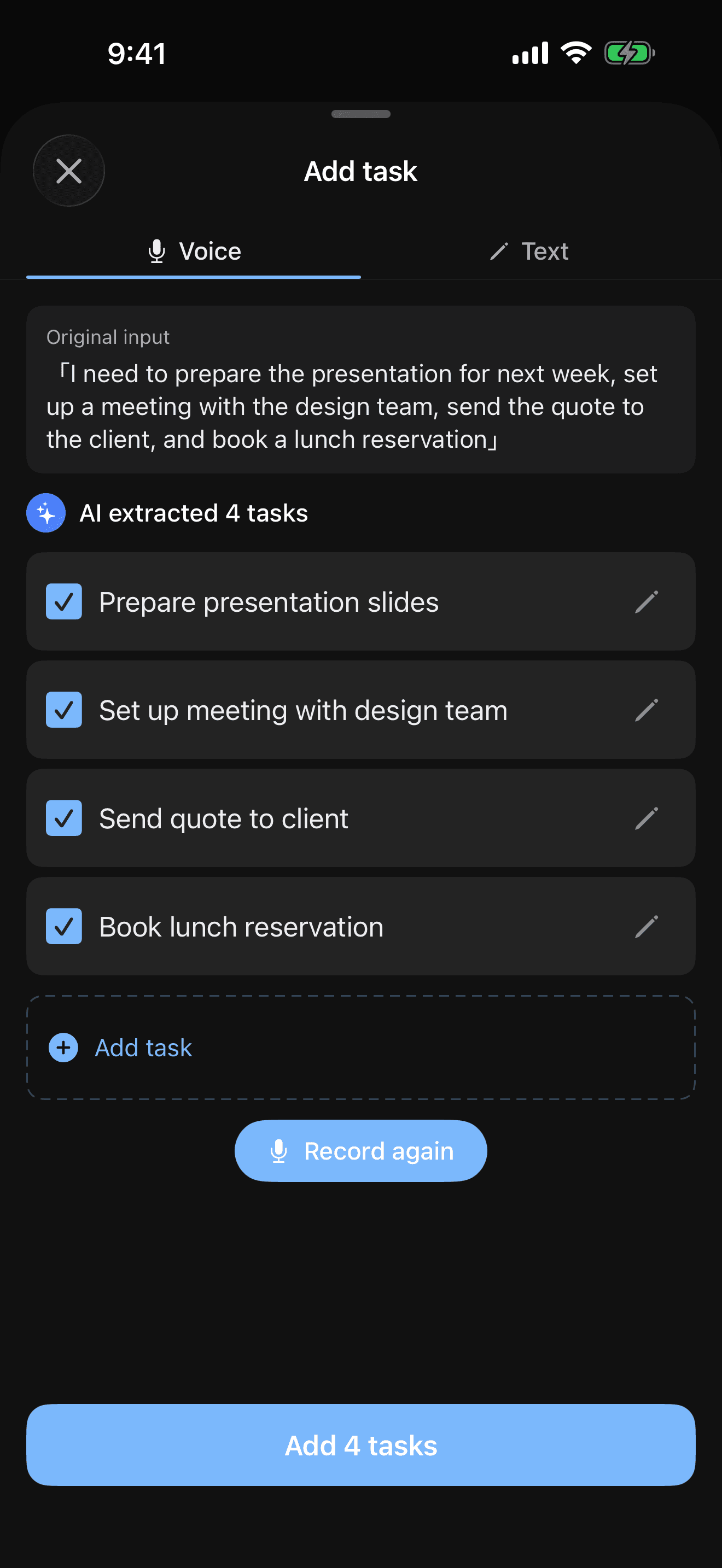
Just say everything on your mind. AI splits and organizes your tasks into a ready-to-use list. Speaking it out loud helps you remember, too.
Mac version coming soon
One voice, every moment.

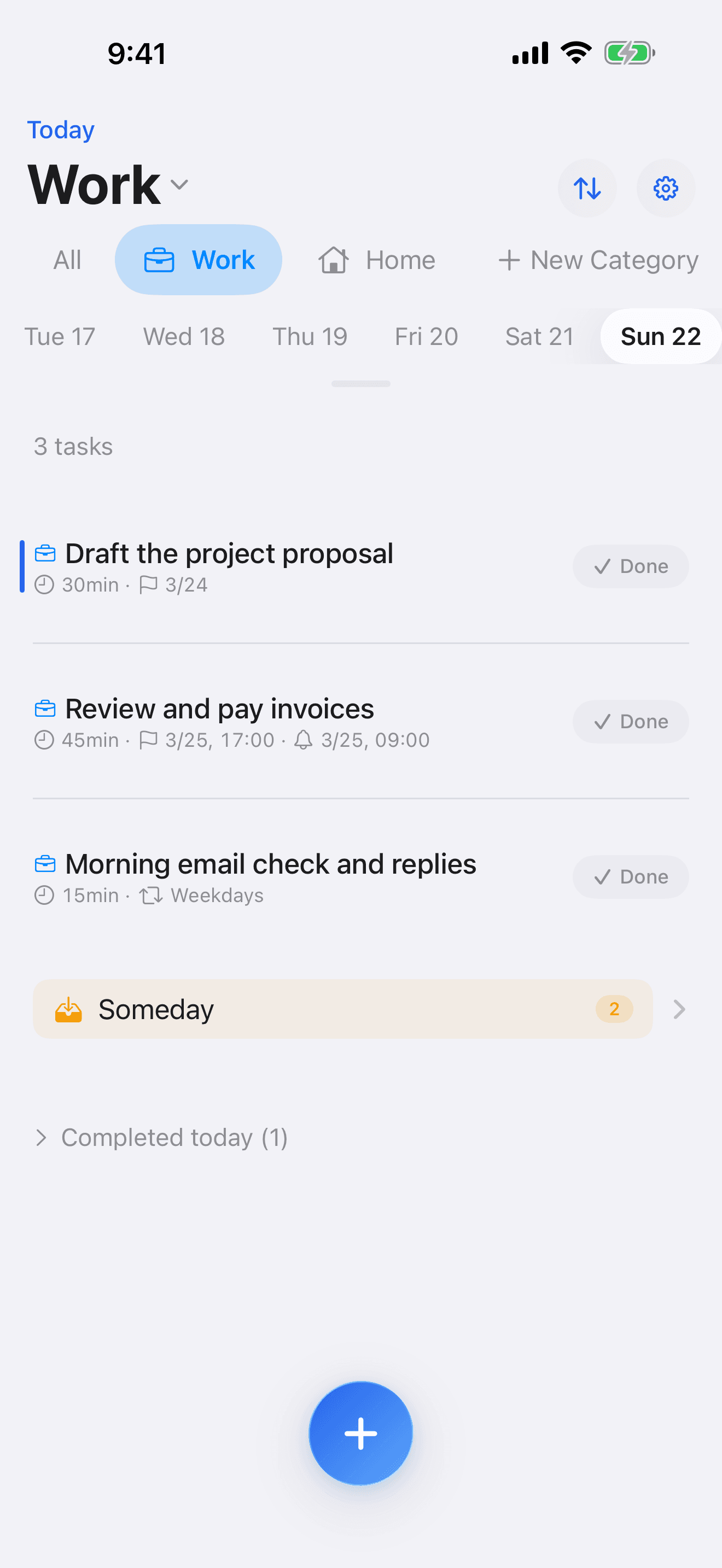
Set your day with your voice
Just speak your plans for the day. Tasks are split and registered automatically. Speaking out loud organizes your thoughts and locks them into memory.

Capture tasks while walking
On a walk or commuting — just talk to your phone. Add tasks hands-free the moment they come to mind. No more "I'll type it later" and forgetting.
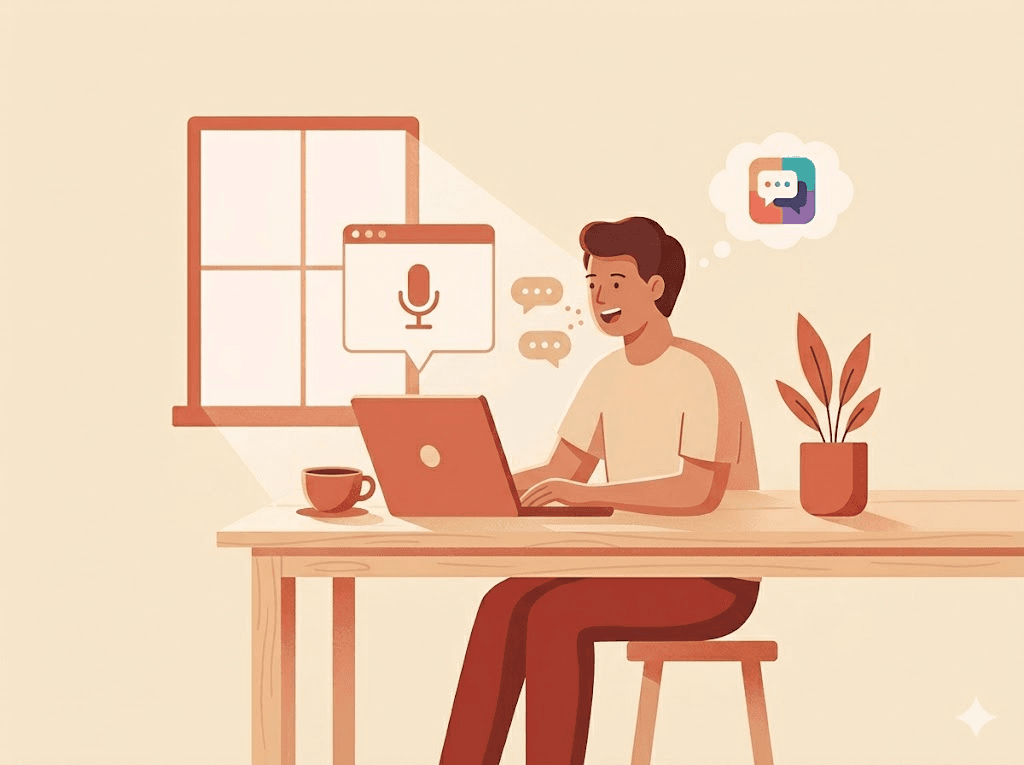
Add tasks without breaking flow
On Mac, one shortcut key brings up a floating panel. Record tasks by voice without switching apps — then get right back to work. Zero friction.
Fully on-device processing with Apple Intelligence. Your data never leaves your device.
Add tasks without leaving your desk
Browser, code editor, email — keep doing what you're doing. One keyboard shortcut starts voice input, AI splits your tasks automatically, and the menu bar lets you review and complete them instantly.
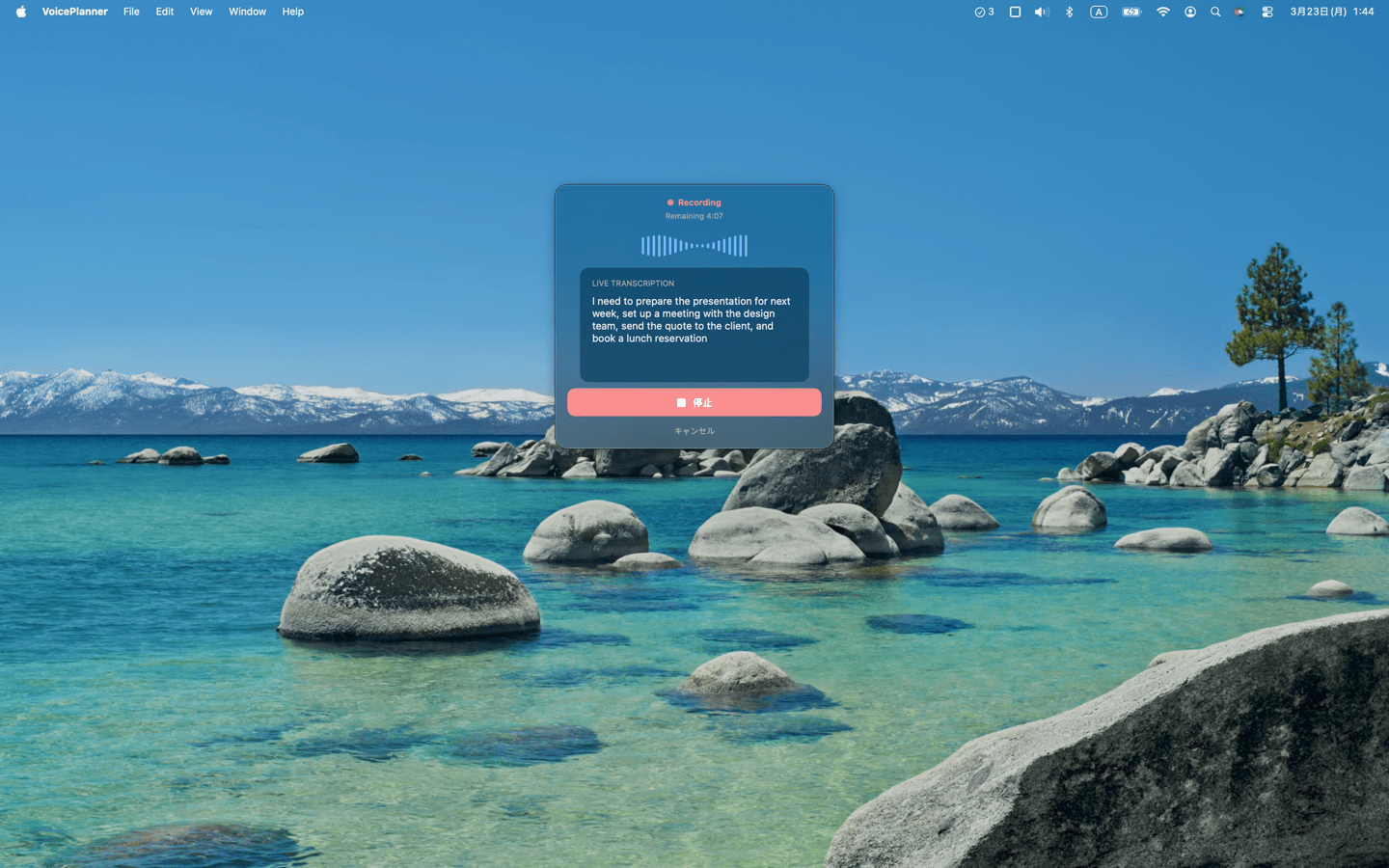
Long-press the Option key
A floating panel appears and recording starts instantly

AI splits tasks automatically
Tasks are extracted from your speech and shown on the spot

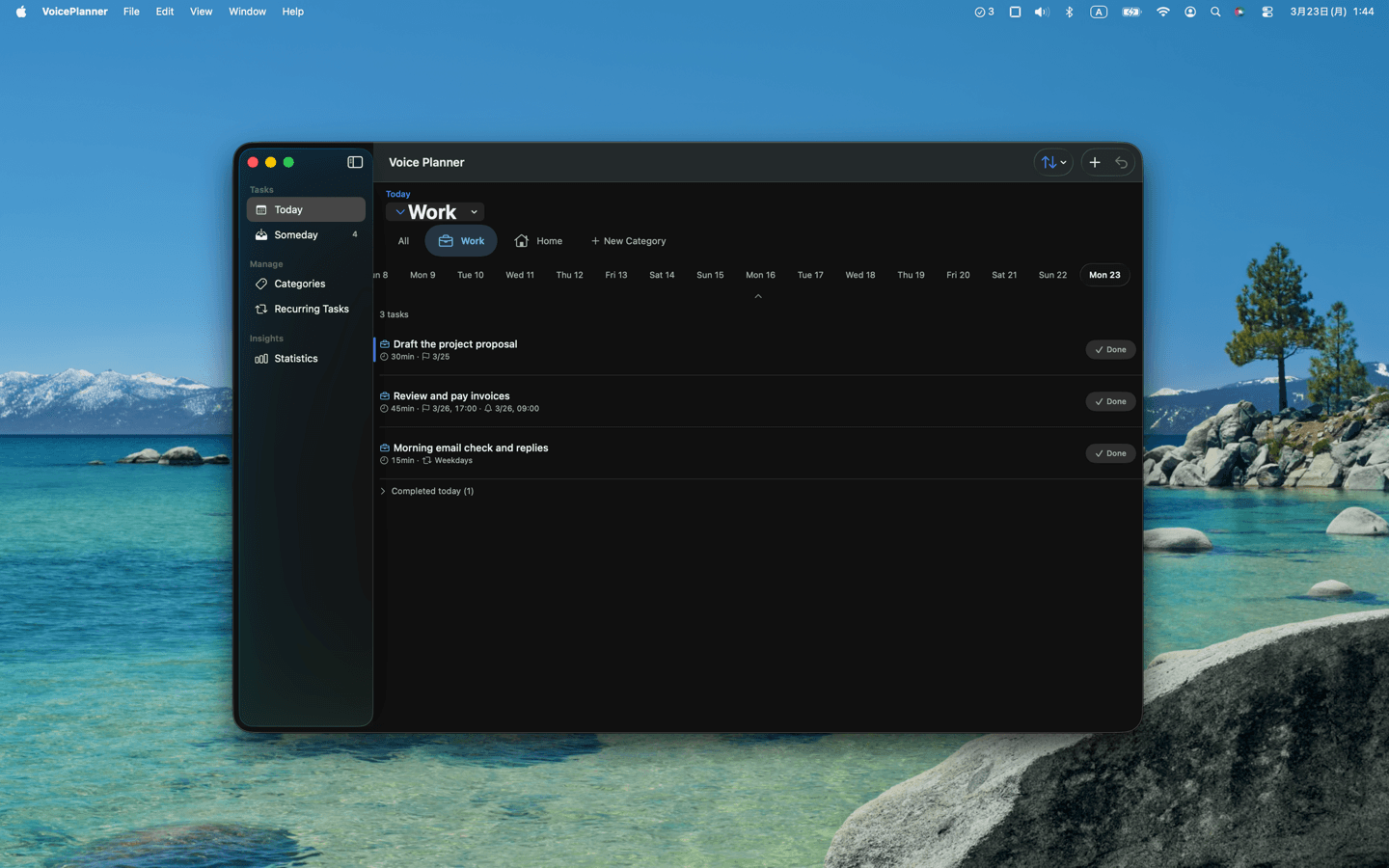
Review from the menu bar
Check, complete, or add tasks in one click
iPhone + Mac — twice as useful
Capture tasks by voice on iPhone while on the go. Back at your desk, review and start them from the Mac menu bar. iCloud keeps everything in sync automatically.

Never lose a someday task
Not urgent, but something you want to do eventually? Send it to the Someday pocket. Keep your main list clean without losing track of things you want to get to.
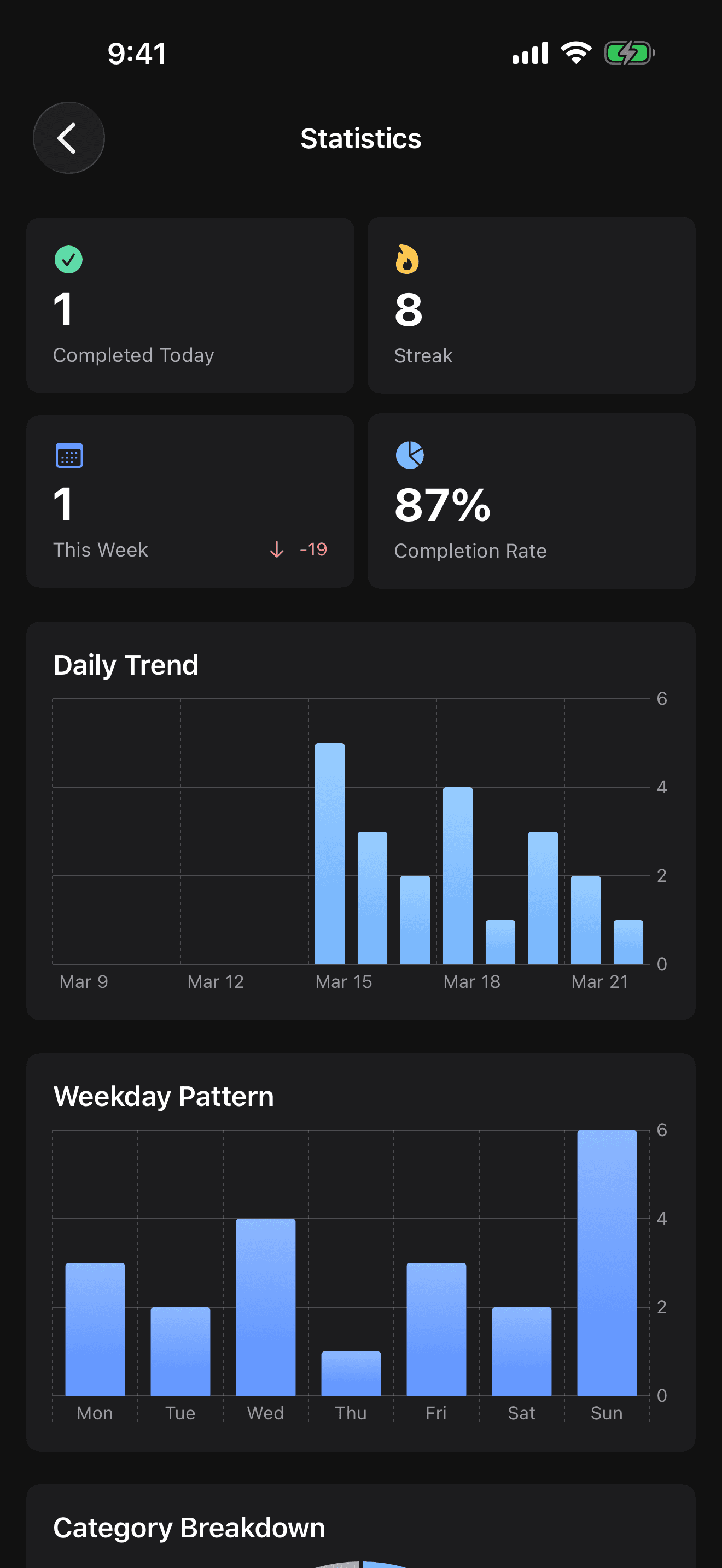
Visualize your progress
View your completed task statistics in charts. Seeing your daily progress adds up and keeps you motivated.